Toma 1 · unos 4 sMiel
- El móvil
- Tumbado, a la altura del pecho, con una mano por debajo: ahí caerá la miel.
- Qué haces
- Sonríes, abres la boca sorprendida y señalas. Al final te llevas el dedo a la boca, como si probaras la miel.
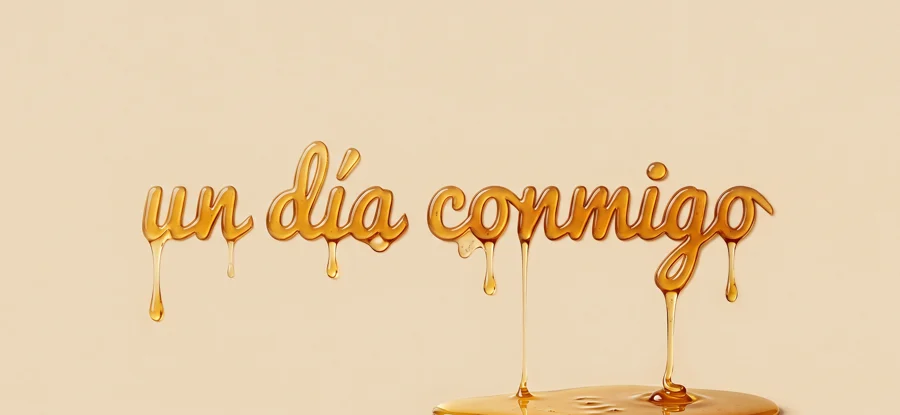
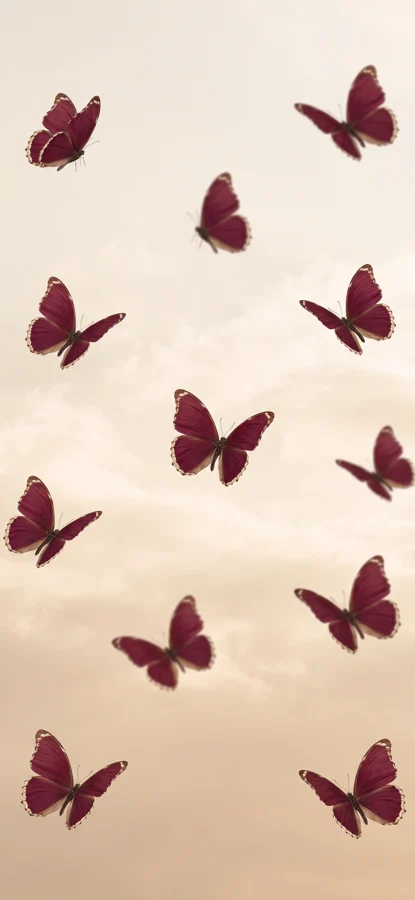
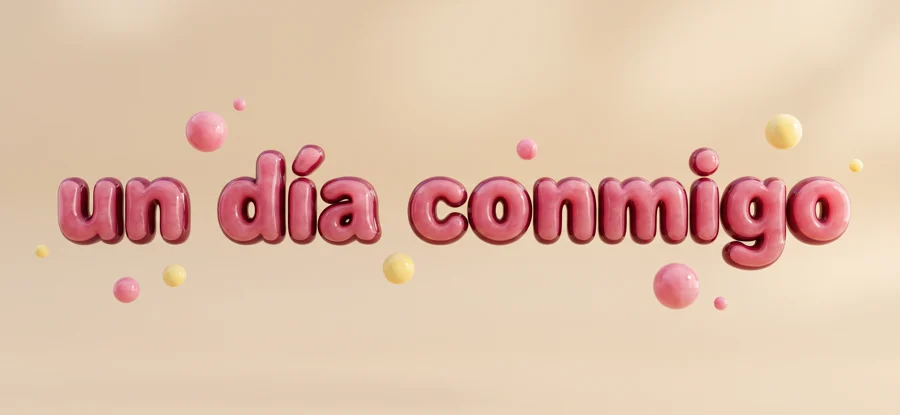
miel, mariposas y chicle que se salen de tu móvil, con Kling paso a paso
matiz by yuyi
Guía gratuita
Todo lo que te prometí: las tres pantallas para tu móvil, cómo grabarte, las frases exactas que usé en Kling y cómo montarlo
Antes de empezar
Te grabas sujetando el móvil y haciendo los gestos de verdad: chuparte el dedo, mirar hacia arriba, soplar. Después Kling añade la miel, las mariposas y la burbuja encima de tus movimientos.
lo que grabé
lo que hizo Kling
Para tu móvil
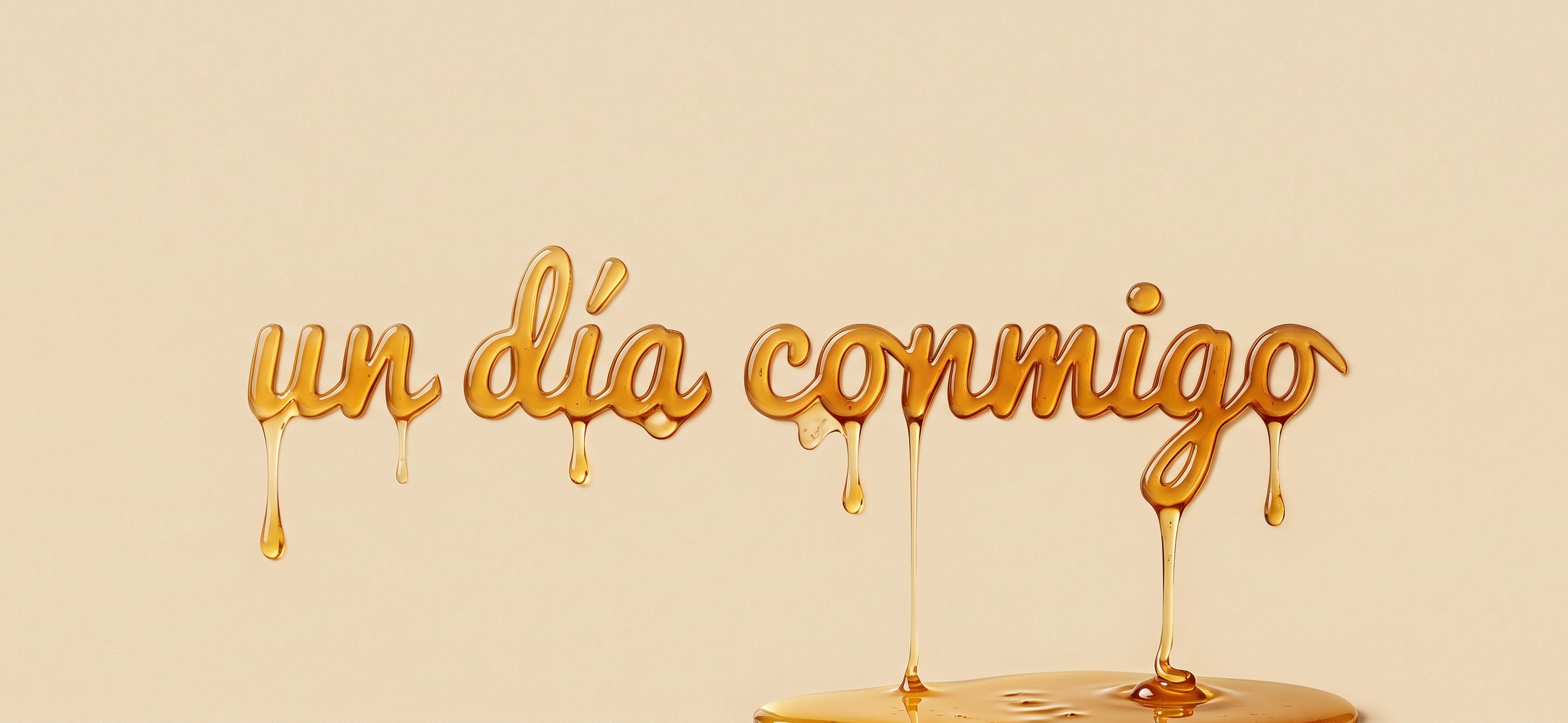
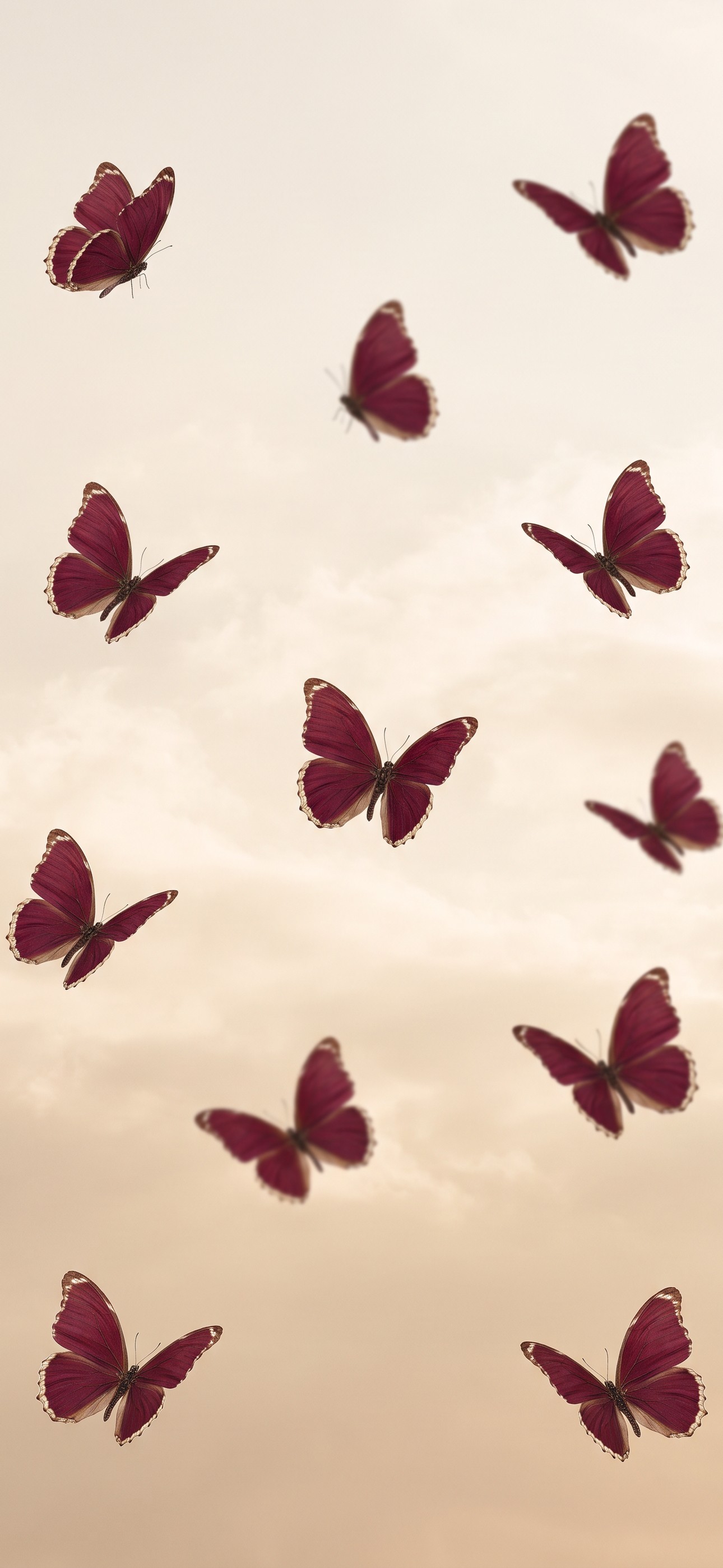
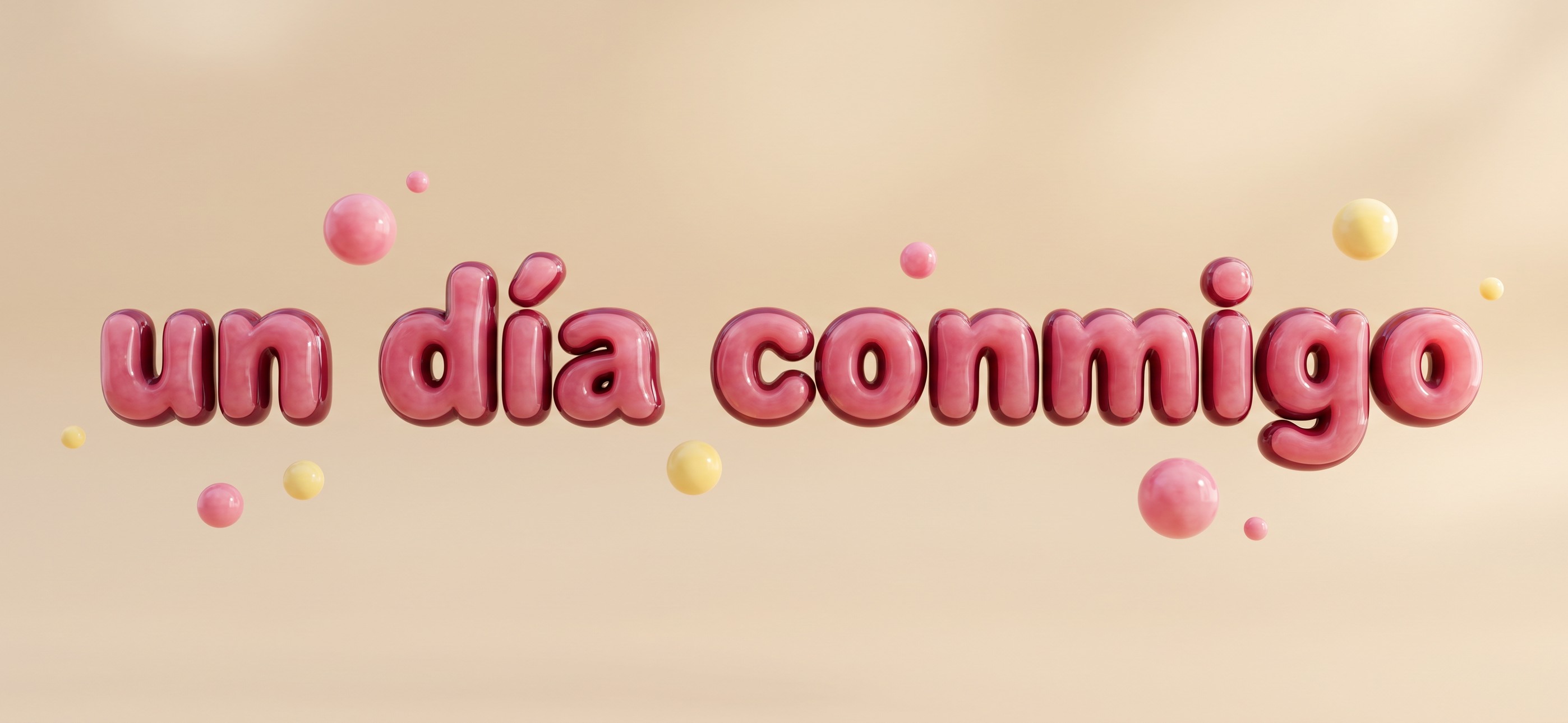
Las he hecho para que llenen la pantalla del iPhone sin bordes. Ábrelas en tu móvil mientras te grabas: lo que hay en la pantalla es lo que luego se sale.
Abre la pantalla en Fotos, toca una vez para que desaparezcan los botones, sube el brillo al máximo y pon el móvil en No molestar. Si no se descarga, mantén el dedo sobre la imagen y guárdala.
Paso 1 · las tomas
Una por efecto, en el mismo sitio. Exagera un poco los gestos: es lo que la IA va a seguir.
Paso 2 · el efecto
Kling edita vídeos que ya has grabado: le subes tu toma y le escribes qué añadir. Yo lo hago desde el ordenador.
Corta tu vídeo en tres trozos, uno por toma, y guárdalos por separado. Cada trozo tiene que durar entre 3 y 10 segundos.
Entra en kling.ai e inicia sesión.
Abre Omni, el modelo que edita vídeos ya grabados.
Sube el primer trozo y pega su frase (las tres, justo debajo).
Genera y descárgalo. Si no te convence, vuelve a generar: sale distinto cada vez.
Repite con los otros dos trozos.
Lo que te prometí
Van en inglés porque así las escribí yo en Kling, y así me funcionaron. Si sale un chico, cambia she/her por he/his. La parte importante es la del final:
«Keep her face, her movements, the phone screen and the room exactly as in the original video.»
Es lo que hace que sigas siendo tú: Kling añade el efecto y no te cambia la cara, los gestos ni el fondo.
Thick, glossy golden honey begins to ooze out of the bottom edge of the phone screen she is holding and pours down in slow, viscous streams over her hand and onto the table. When she brings her finger to her mouth, the fingertip is covered in honey and she licks it. Keep her face, her movements, the phone screen and the room exactly as in the original video. Photorealistic, natural lighting.
Small blue butterflies, identical to the ones on the phone wallpaper, fly out of the phone screen she is holding one after another, fluttering up around her head and out of the frame while she follows them with her eyes. Keep her face, her movements, the phone screen and the room exactly as in the original video. Photorealistic, natural lighting.
Yo grabé con mariposas azules. Si usas mi pantalla de mariposas burdeos, cambia blue por burgundy.
A glossy, translucent pink bubble-gum bubble, the same pink as the letters on the phone screen, grows out of the screen she is holding and inflates towards her face until it covers it, with soft reflections on its surface. Keep her face, her movements and the room exactly as in the original video. Photorealistic, natural lighting.
Paso 3 · el montaje
Así está montado mi reel, segundo a segundo:
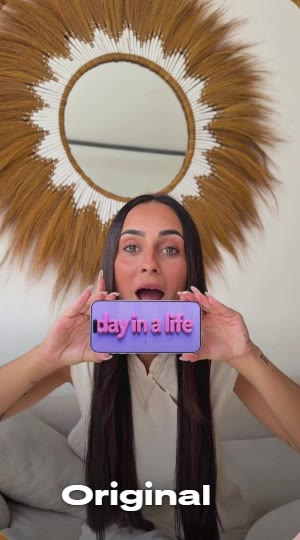
Las tres tomas con efecto, seguidas y con cortes secos, sin transiciones.
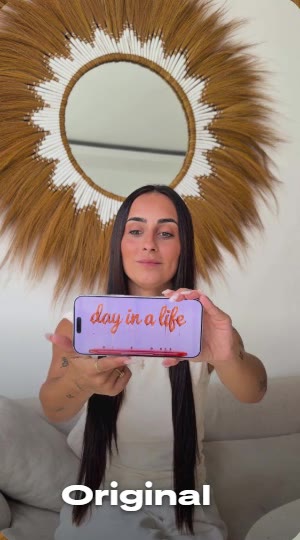
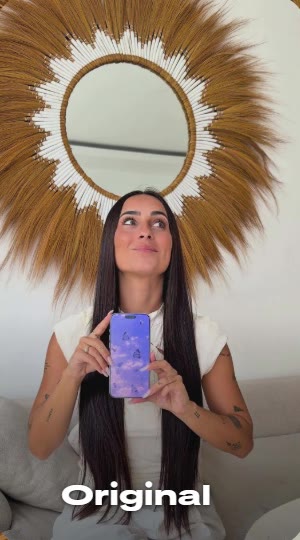
El recuadro «Original»: en Superposición, pon encima de cada toma la misma toma sin efecto, empezando en el mismo segundo. Hazla pequeña, llévala arriba a la izquierda y redondea las esquinas con Máscara → Rectángulo. Abajo, «Original» en blanco.
El texto fijo, en blanco y negrita, encima de tu cabeza todo el vídeo.
El texto final, desde el segundo 10,5: «comenta [tu palabra] para recibir el prompt».
Silencia el recuadro «Original» para que no se oiga dos veces y exporta en 1080p.
Y listo
Si lo haces, mándamelo por mensaje, que me hace muchísima ilusión verlo 💌
Descargar la guía en PDFmatiz by yuyi@matizby.yuyi ⭐️